Snap or upload a photo
Any portrait, pet, landscape, or scene — or start with a ready-made celebrity lesson.
any photo works
your personal pencil coach
Vangu teaches you the exact nine-stage construction method the pros use — on any photo you choose. Loomis head construction, proportion grids, ghost overlays, AR alignment, and AI feedback on every page, until drawing well stops feeling like talent and starts feeling like a skill.
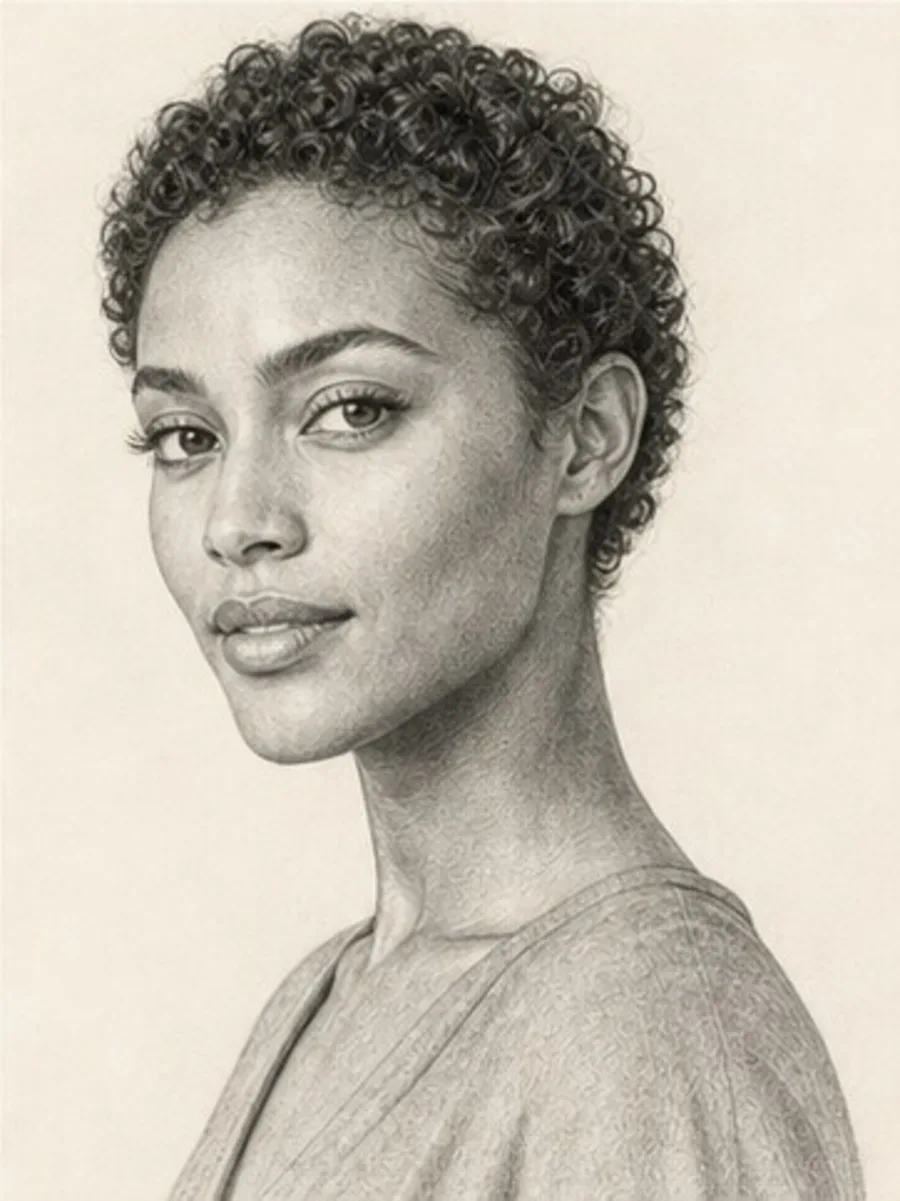
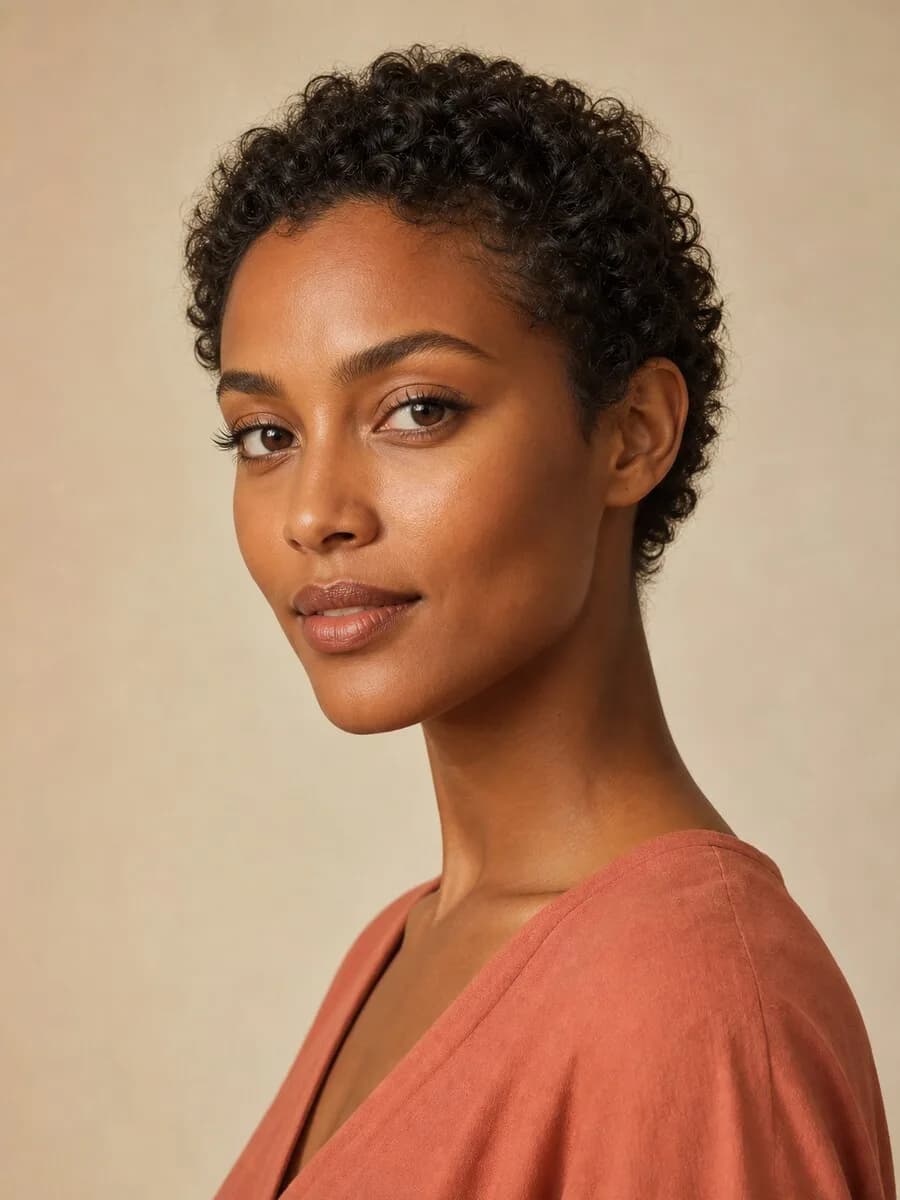
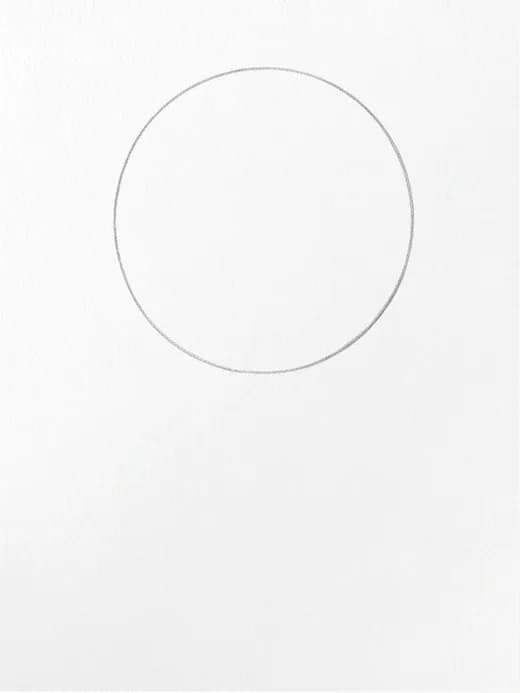
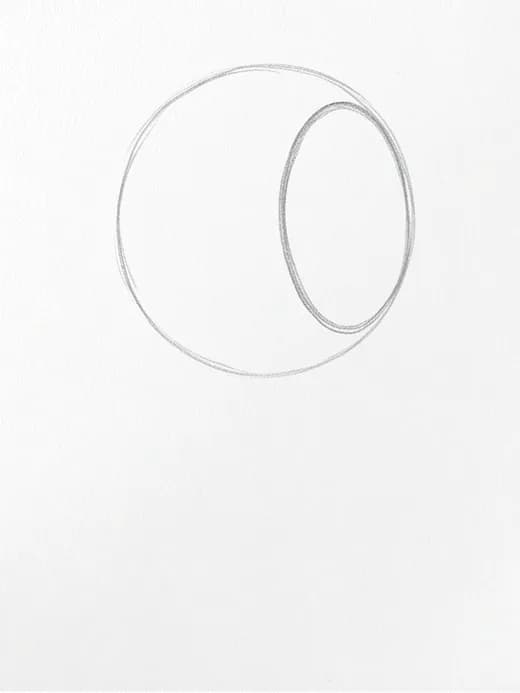
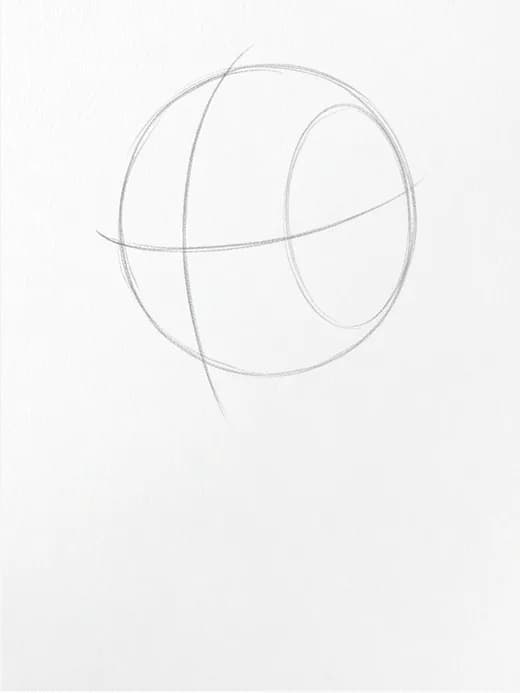
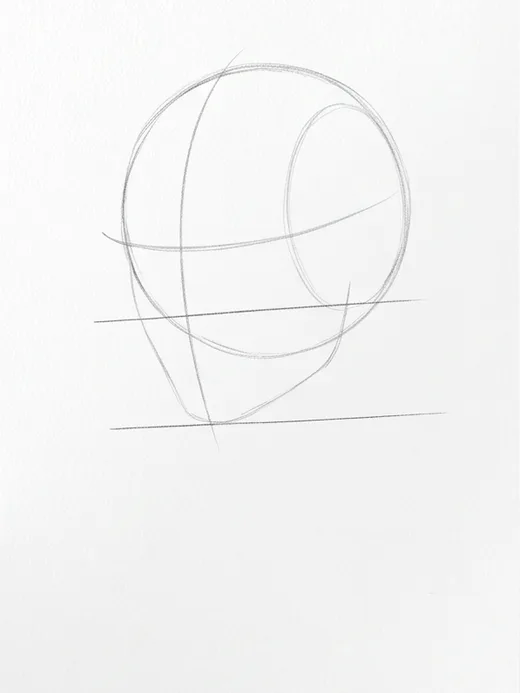
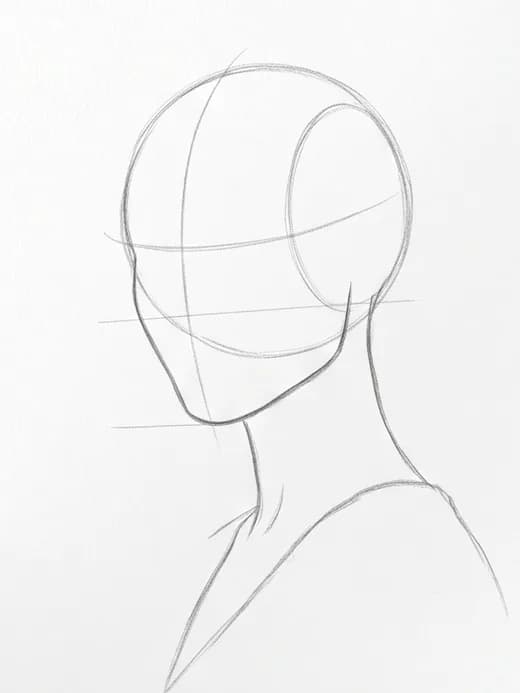
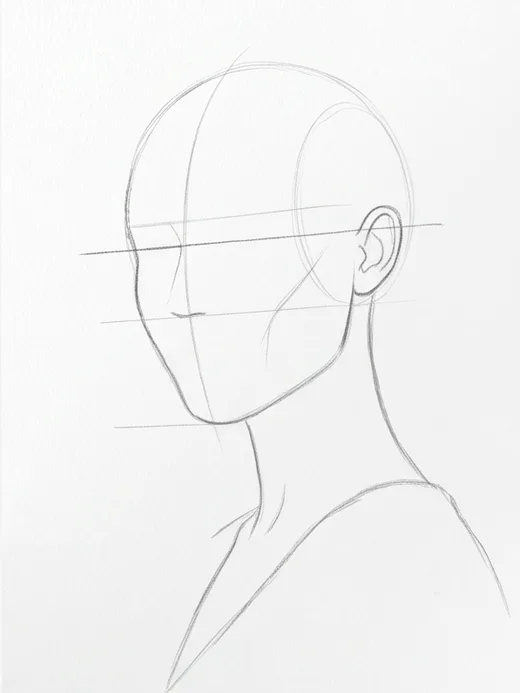
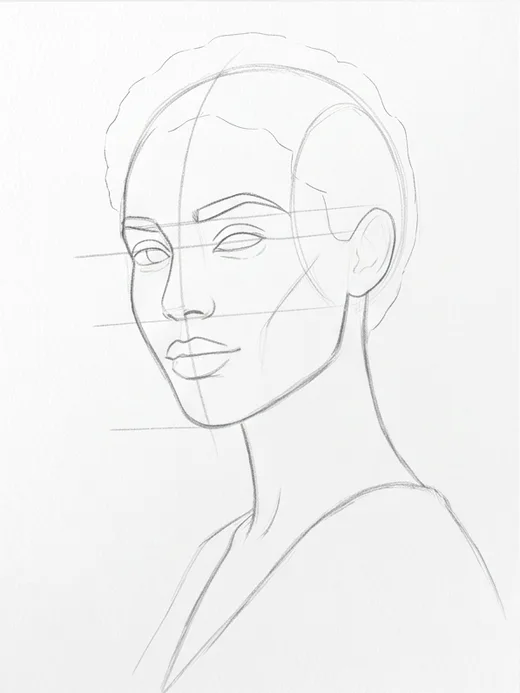
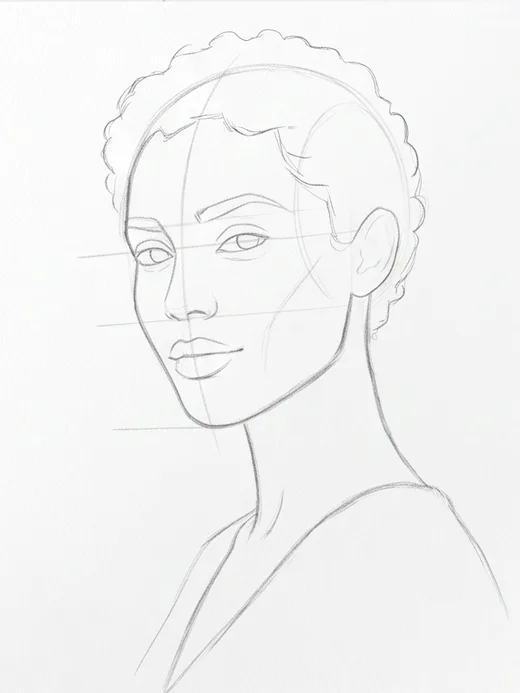
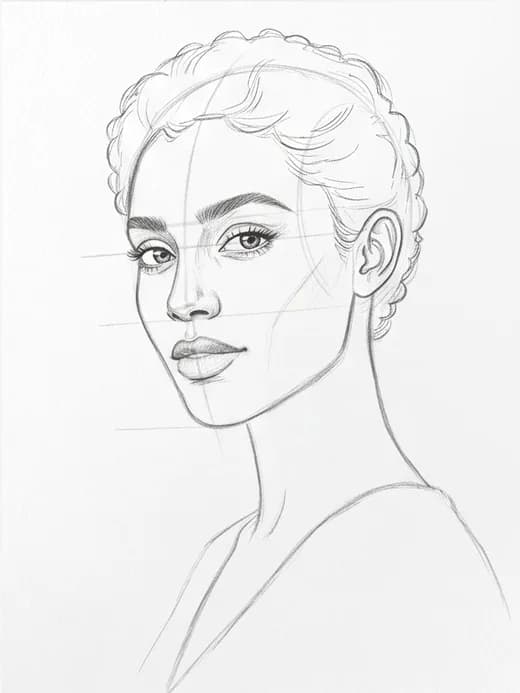
Drawing made easy
“Really cool app, was able to generate custom drawing tutorials.”
“it was the best app for beginnets”
“wow best quality”
“awesome”
“thanks for guided”
“i like this application”
“bahut achcha hai”
“good app”
“woow👍”
“nice app”
“best”
How it works
Any portrait, pet, landscape, or scene — or start with a ready-made celebrity lesson.
any photo works
The app builds a construction-first lesson from your exact photo: shapes, guides, contour, detail, shading.
built from your photo
Use the grid, ghost overlay, and AR alignment while you work, then get AI feedback on your finished drawing.
right on your paper
Live demo
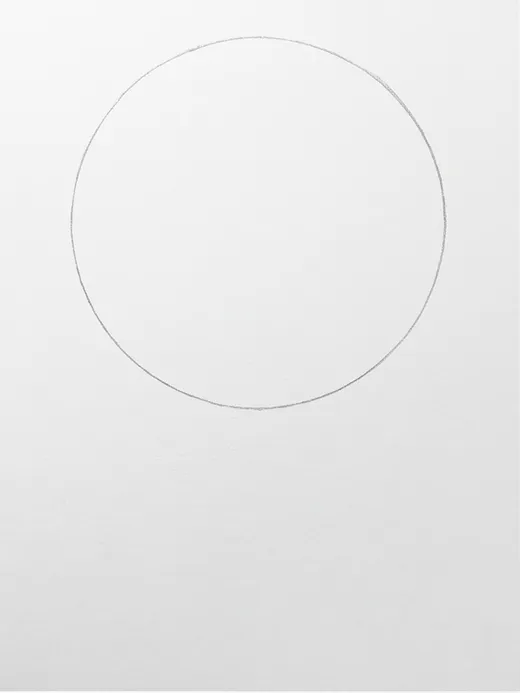
These are real tutorials from the app — including the celebrity lessons you can start with on day one. Every stage keeps the same subject, angle, and proportions; only the level of completion changes.
 Your photo
The same Zendaya lesson that ships in the app — Loomis construction from cranium ball to finished shading.
Core shapes
Stage 1 of 9
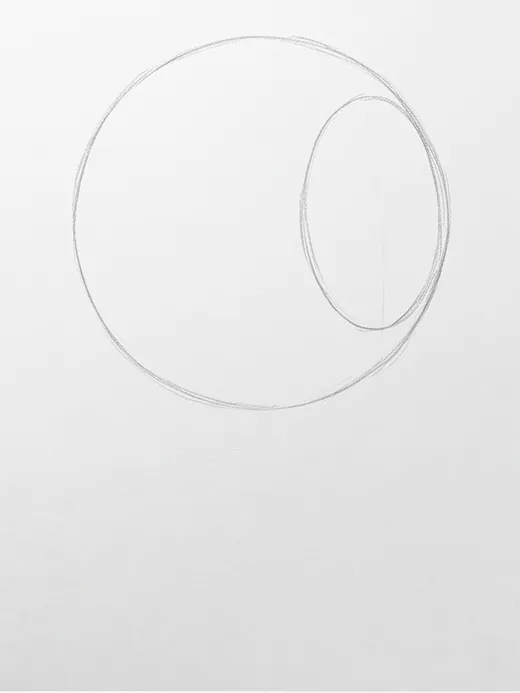
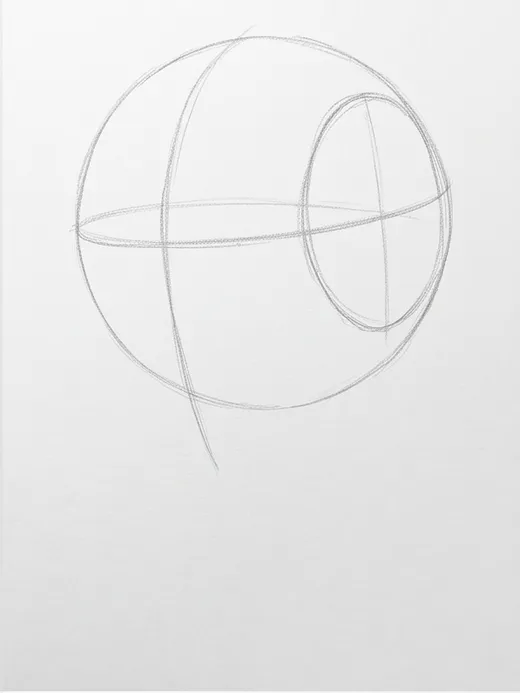
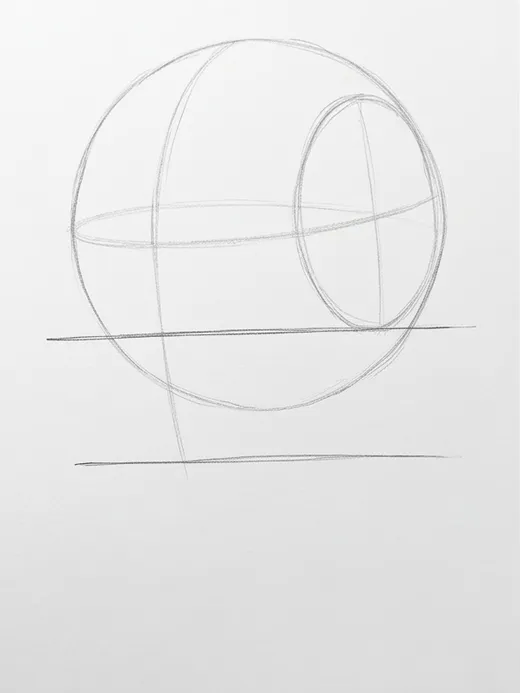
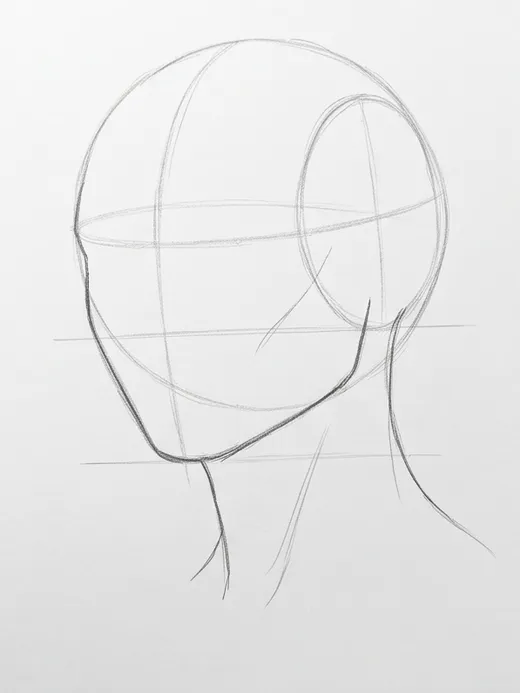
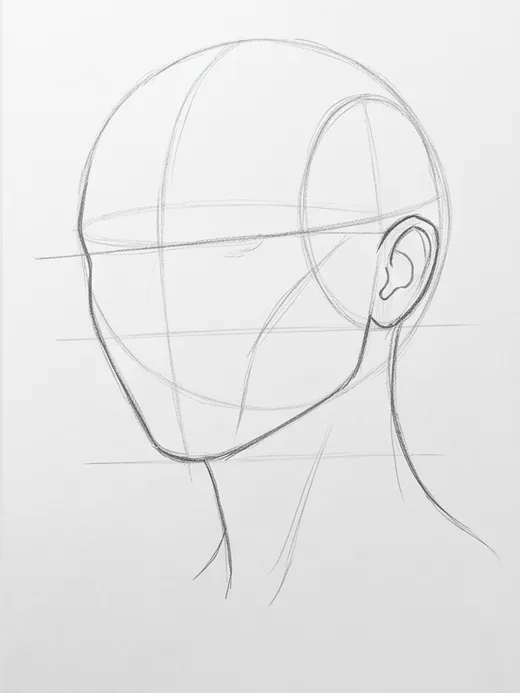
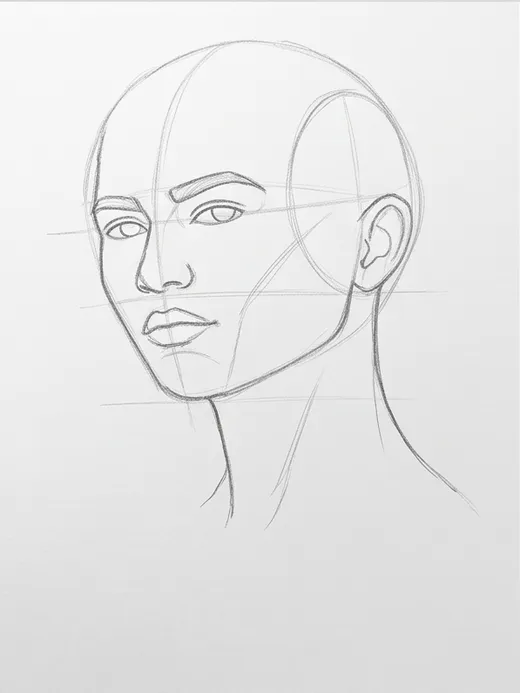
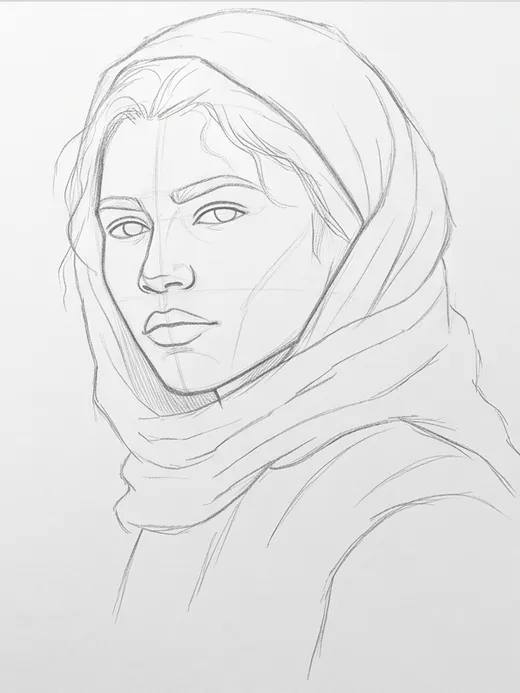
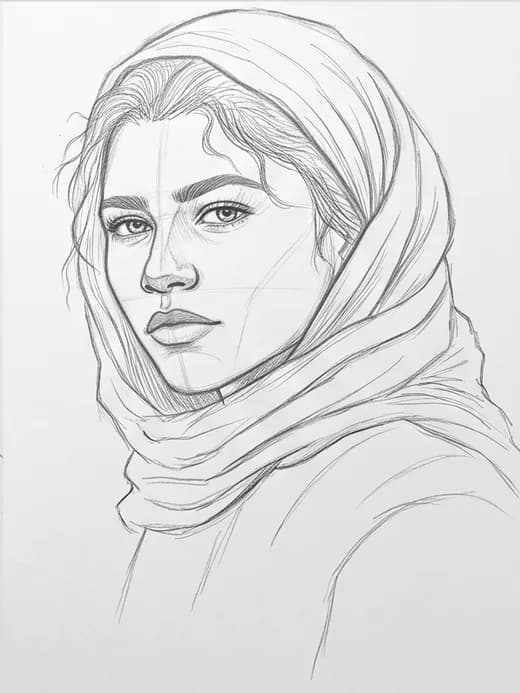
AR coach
AR alignment projects the current stage onto your real paper through the camera — like tracing paper you can't lose. Check your proportions without ever leaving the easel.
Point your camera at the paper and the current tutorial stage floats over your drawing as transparent pencil lines.
Line the guide up with what you've drawn so far and instantly spot proportion and placement drift.
Slide the guide's opacity, switch between black and red lines, and flip on the torch for evening sessions.
Photograph your finished page for specific notes on what works, what to fix, and what to practice next.
Draw with superpowers
Straight from the app. These clips are the actual tools you'll use at the easel.
Proportions grid
Drop a grid on top of the reference, drag it to land lines on the features that matter, then sketch cell by cell.
Ghost overlay
Ghost the reference photo over your drawing and slide the opacity to see exactly where your lines drift.
Draw any subject
Portraits, pets, figures, landscapes, still lifes, city corners — every photo becomes its own step-by-step lesson.
From the blog
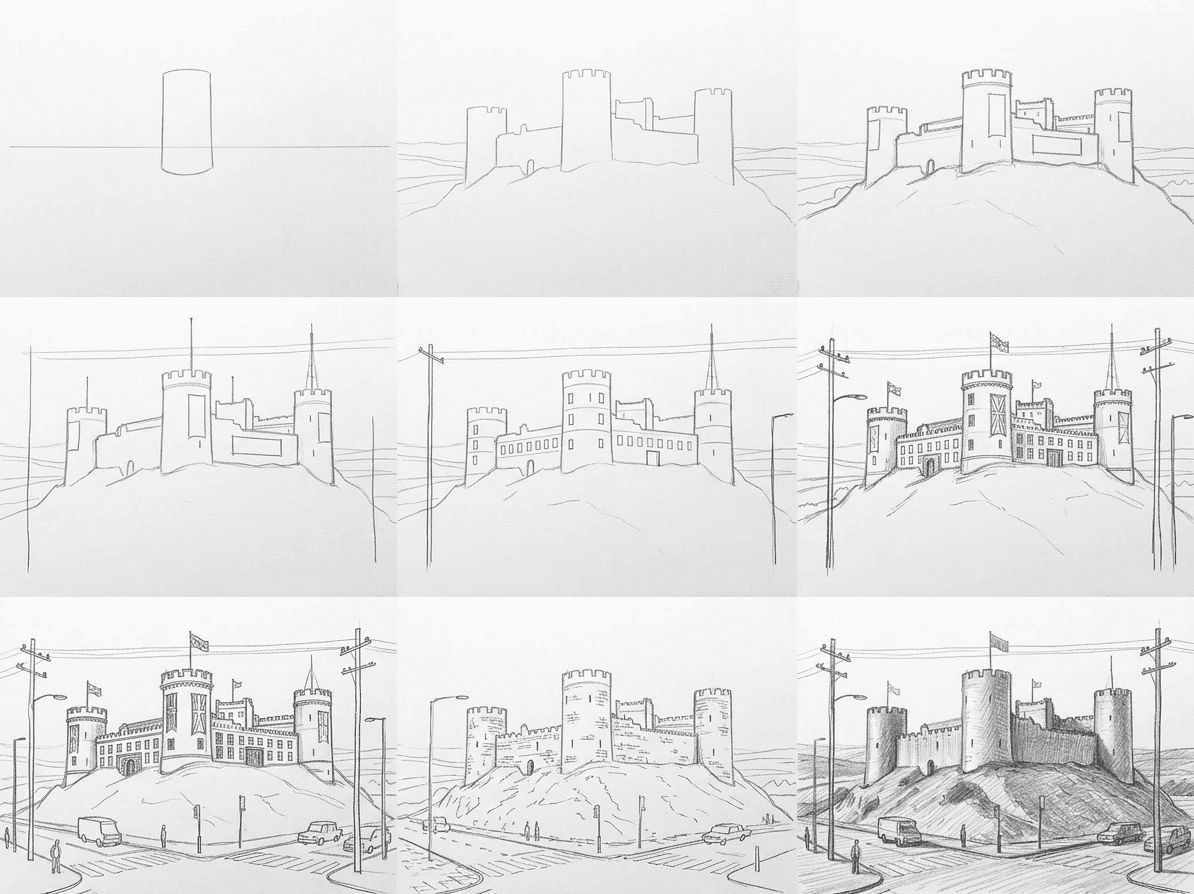
Architecture Drawing
Learn how to draw a castle in pencil with a clear nine-stage method that builds the towers, curtain wall, and weathered stone without overwhelm.
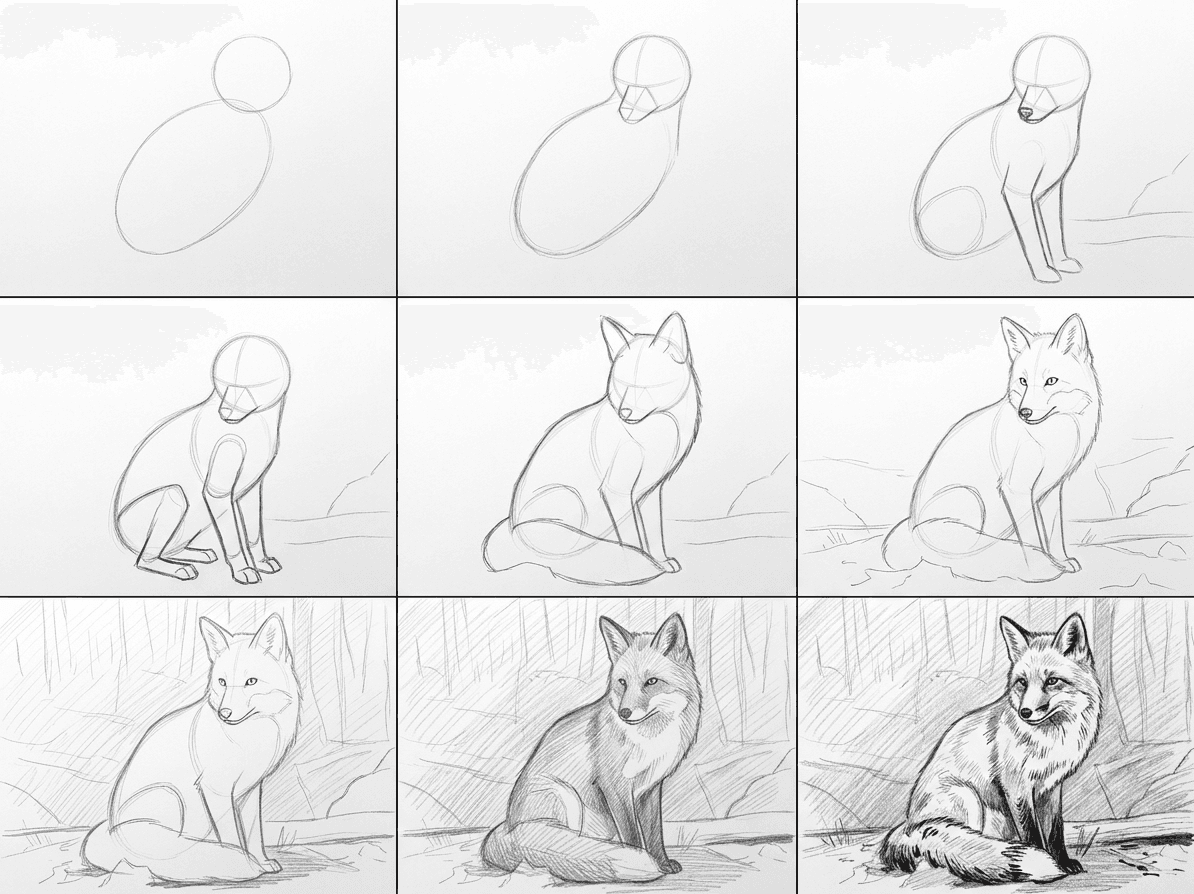
Animal Drawing
Learn how to draw a fox step by step in pencil using a clear nine-stage method that builds the body, fur, tail, and shading without the guesswork.
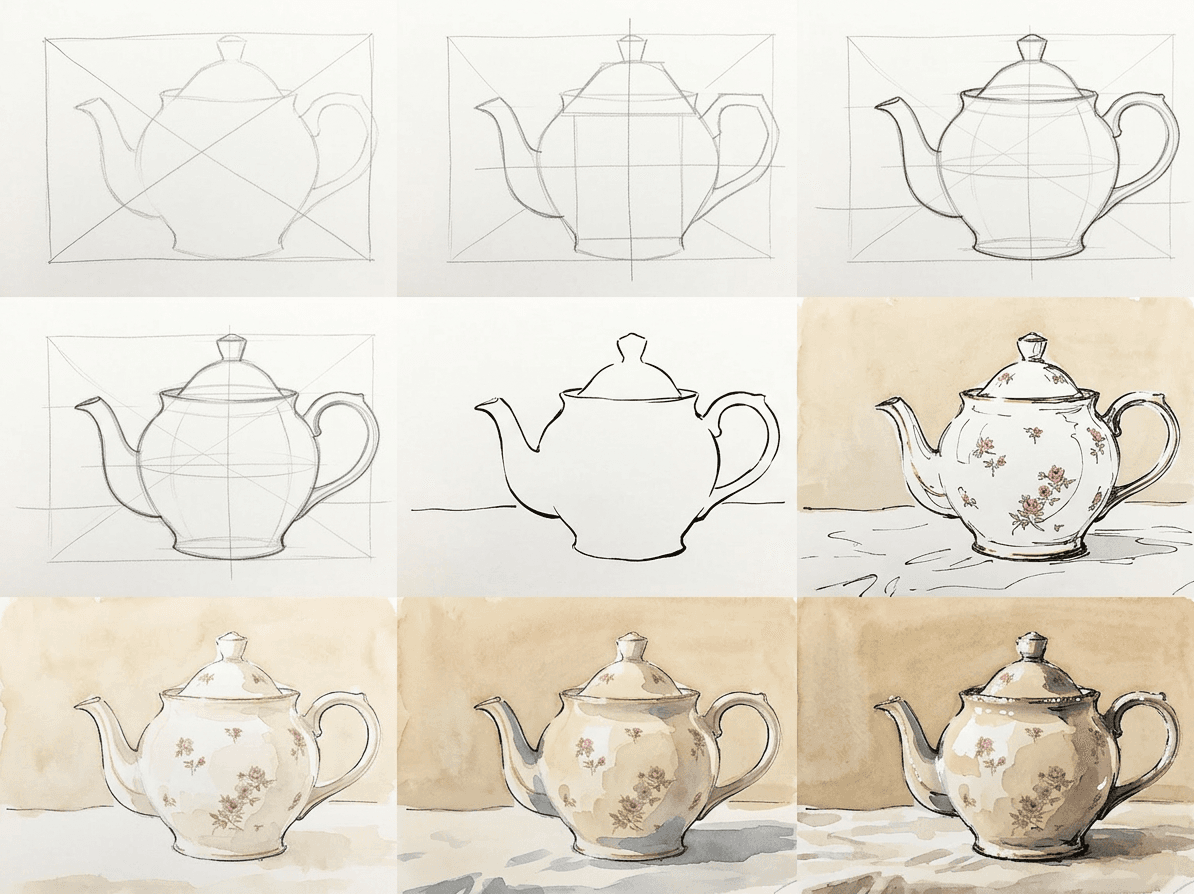
Still Life Drawing
Learn how to draw a teapot in loose ink and watercolor with a clear nine-stage method covering the body ellipse, spout, handle, lid, and soft washes.

Free to start. Pick a photo, get your first guided tutorial, and draw it today on iPhone or Android.